
NeoDJ Pro
NeoDJ Pro brings it all together in one interface — from stem separation and four decks to your library. Scroll through the features that matter most.
Everything inside — still instantly clear
Four decks, mixer, effects, stems, performance pads and your entire library in one clean interface. Beginners start right away, pros find everything exactly where they expect it.
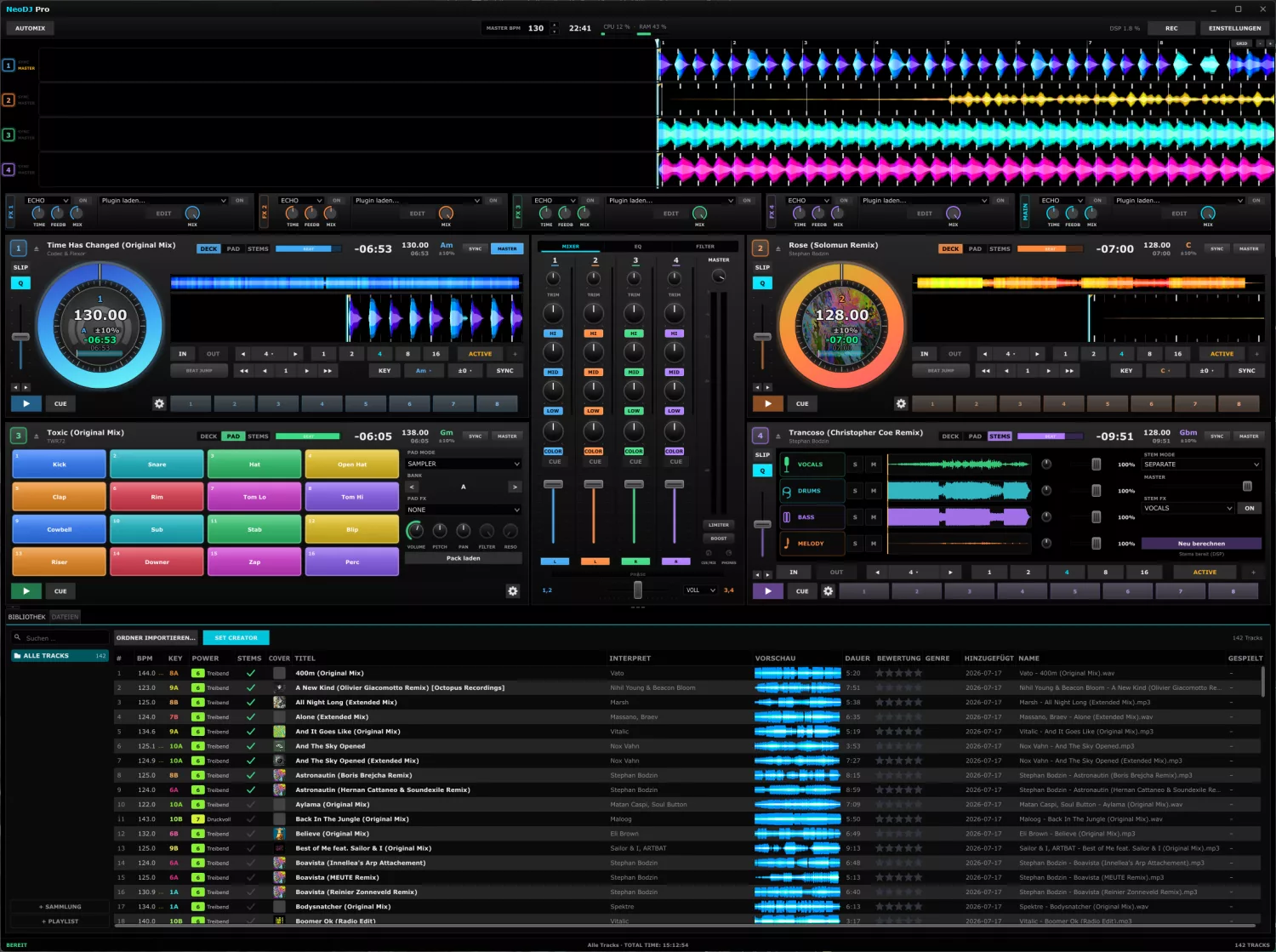
Break any track down into its parts
NeoDJ Pro separates any song into vocals, drums, bass and melody with DSP — right in the deck. Drop individual elements, build acapellas and mash-ups and pull off transitions that were not possible before.
- Four stems per deck: vocals, drums, bass, melody
- Mute, solo or level each stem individually
- STEMS deck mode with dedicated stem effects
- Pre-computed with DSP — ready instantly, even offline
- Live acapellas, instrumentals and mash-ups
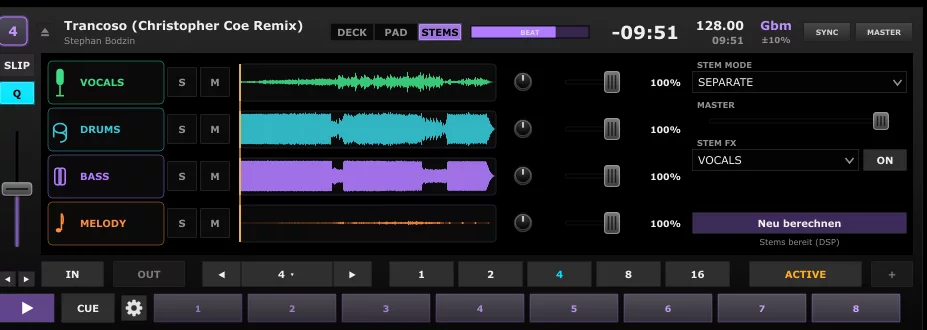
Up to four decks, rock-solid on beat
Mix on two or four decks with large jog wheels, sync at a button press and a stable beatgrid. Change the tempo without losing the key — pitch and nudge for manual control.
- Two- or four-deck layout
- Sync at a button press, stable across the set
- Change tempo while the key stays — master tempo / keylock
- Beat-accurate loops, colored hotcues, slip mode
- Pitch and nudge for exact manual control
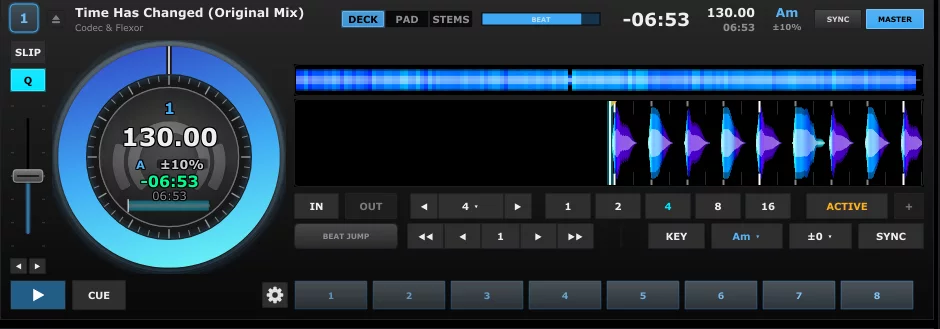
Colored waveforms, a clear beatgrid
Lows, mids and highs separated by color, with bars and phrases on the beatgrid — smooth even when zoomed in. You see transitions before you hear them.
- Colored waveforms for lows, mids and highs
- Detail, overview and parallel comparison
- Clear beatgrid with bars and phrases
- Colors, height and shape fully adjustable
- Smooth scrolling, even zoomed in
Automix keeps the floor moving — even on your break
NeoDJ Pro picks matching tracks by key and tempo, blends by proven DJ rules and starts on the phrase instead of mid-bar — holding the tempo across the whole set.
- Picks matching tracks by key and tempo
- Transitions by proven DJ rules
- Starts on the phrase, not mid-bar
- Detects intros and key moments
- Holds the tempo across the set
Sample pads, kill-EQ and your own VST3 effects
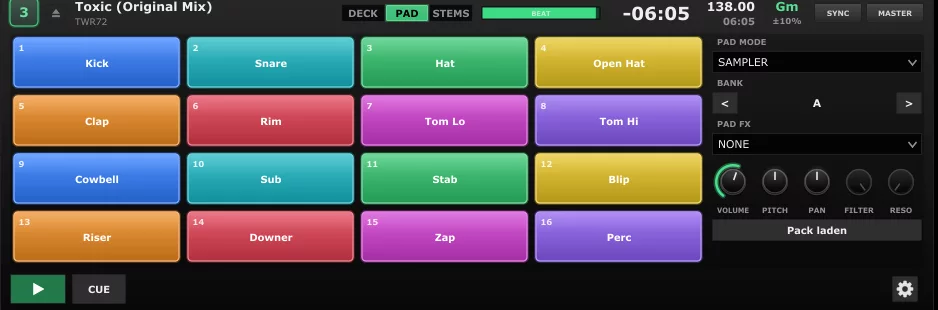
16 performance pads per deck for hotcues, loops and sampler, plus 3-band kill-EQ and filter per channel. Use the built-in beat-synced effects — or bring in your own VST3 plugins.
- 16 performance pads: hotcues, loops, sampler
- 3-band EQ with kill and filter per channel
- Built-in effects, beat-synced
- Add your own VST3 plugin effects
- Effects per deck or over the master
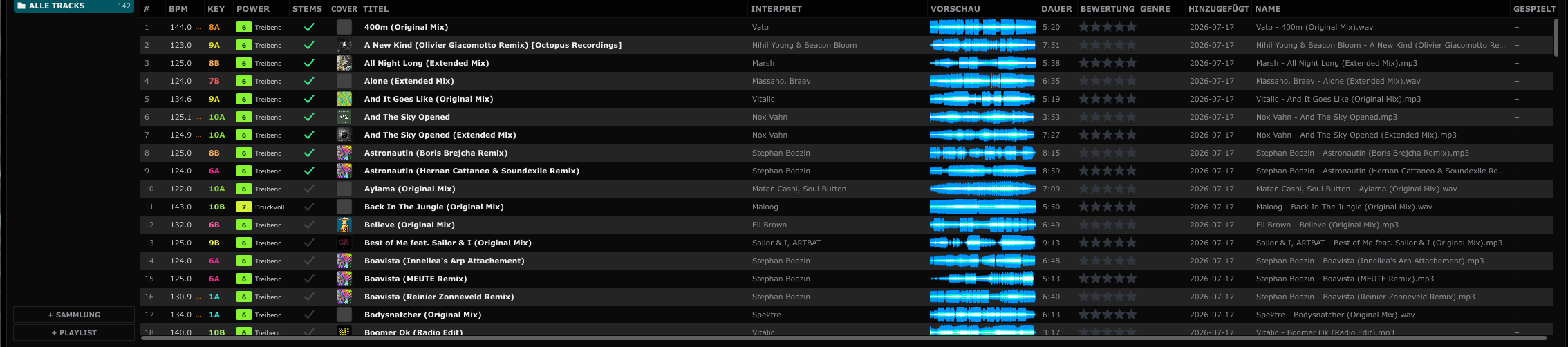
Your entire collection, ready in an instant
Fast search across the whole collection with waveform preview, tempo, key and rating at a glance. Every track is analyzed automatically; cues, loops and stems stay saved.
- Fast search across the whole collection
- Waveform preview, BPM, key and rating per track
- Automatic analysis of tempo and beat
- Cues, loops and stems stay saved
- Set creator, collections and playlists
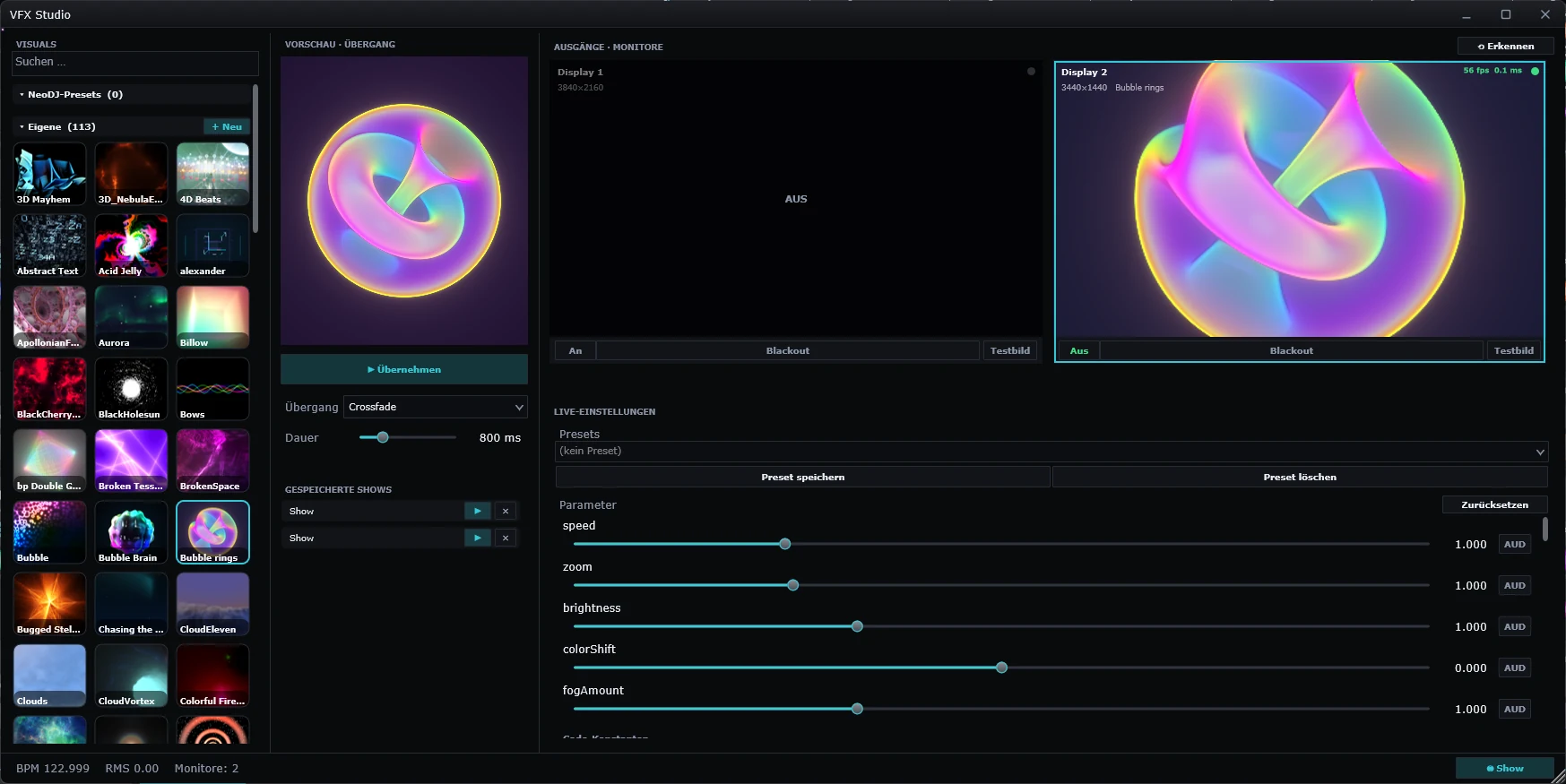
Live visuals that react to the music
The built-in VFX studio generates visuals in real time — audio-reactive shaders, transitions and full shows driven by a node editor. Send them to a second screen or projector, no extra software needed.
- Audio-reactive shader visuals in real time
- Node show generator for full shows
- Over 100 bundled shader effects
- Output to a second monitor or projector
- OBS-style live layout with preview and transitions
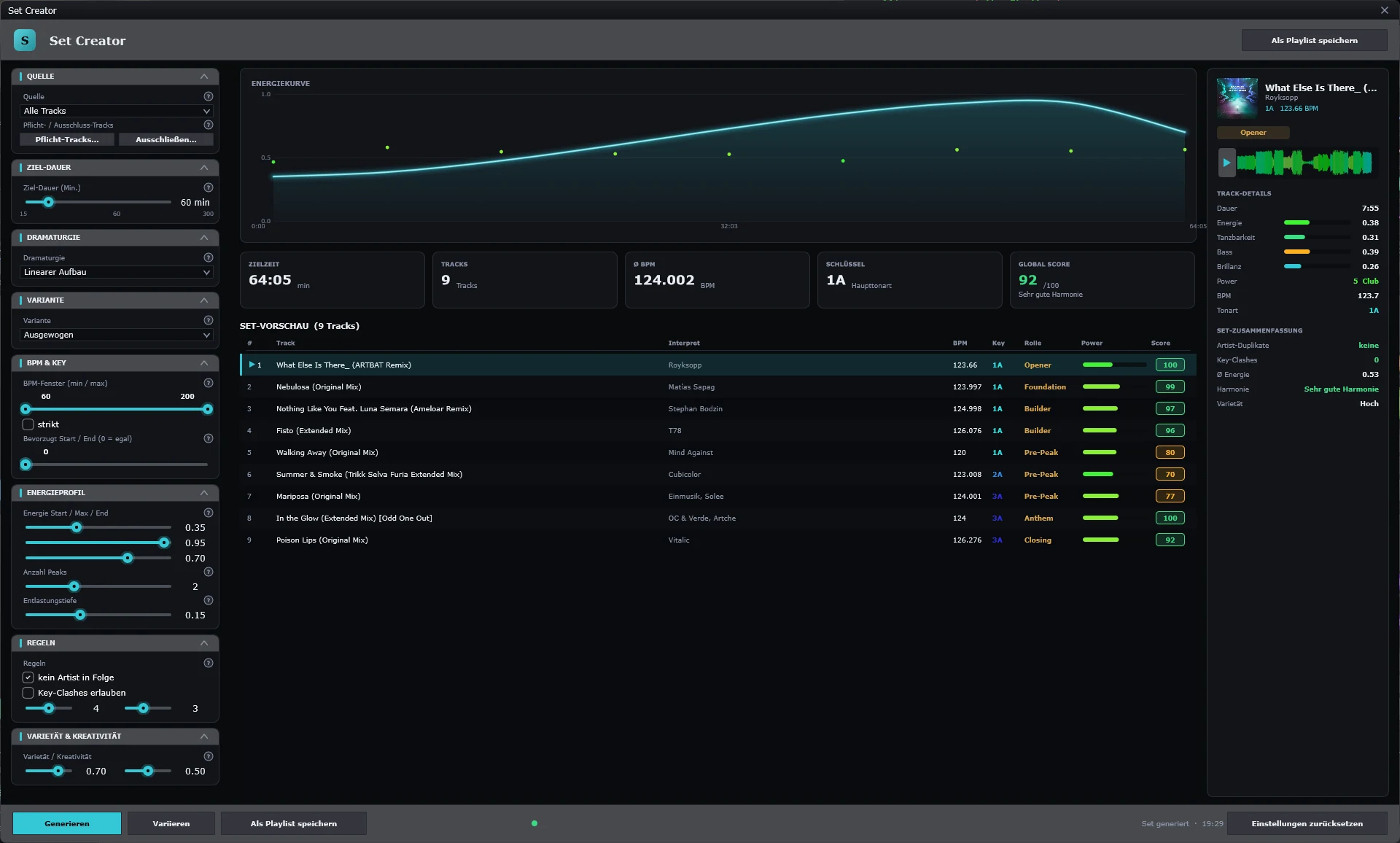
Plan your set before you play
The set creator builds a coherent flow from your library — by key, tempo and energy. Plan the order, line up transitions and load the finished plan straight into the decks.
- Coherent set flow by key, tempo and energy
- Plan the running order by drag and drop
- Harmonic transitions suggested for you
- From playlists, collections or folders
- Load the finished plan straight into the decks
Editions & licenses
One device. Full feature set. Perpetual license, no subscription.
Multiple devices (2–50). Choose the seat count at checkout.
Download NeoDJ Pro and test every feature for 14 days — free, no license code.
Your next set starts with NeoDJ Pro
Four decks, stems, effects, library and AutoMix — all in one app. Try it free for 14 days.
- Windows & macOS
- Buy once, use forever
- 14-day demo
